
Free app · installs from your browser
Download the Pond Care app
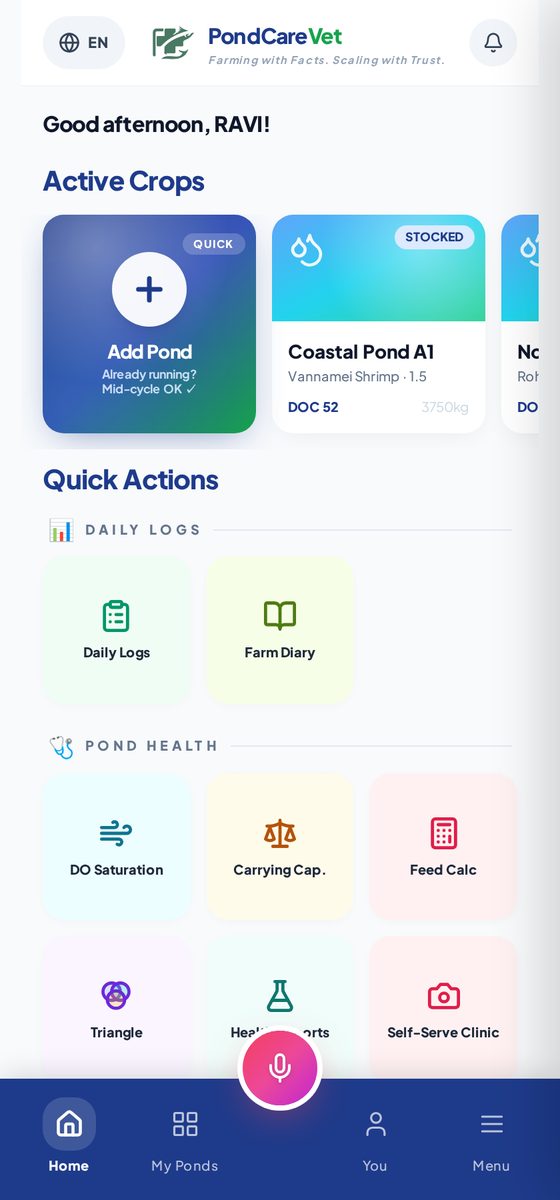
Tap once and Pond Care sits on your home screen like any other app — under 2 MB, works on weak village signal, in Telugu, Hindi and English. No Play Store search, no APK file, no extra permissions.
- Free forever to start
- Under 2 MB
- Works on 2G / 3G
- తెలుగు · हिन्दी · English
On a computer? Scan with your phone
Point your phone camera at the code — it opens this page on your phone, then tap Install.
Three steps
How to install on your phone
Pick your device. Highlighted steps match the phone you are using now.
- 1Open pondcarevet.com in Chrome (or Samsung Internet).
- 2Tap the ⋮ menu at the top-right → “Install app” or “Add to Home screen”.
- 3Tap Install. The Pond Care icon appears in your apps.
- 1Open pondcarevet.com in Safari.
- 2Tap the Share button (square with an up arrow) at the bottom.
- 3Scroll and tap “Add to Home Screen”, then Add.
On iPhone the install works only from Safari — not from Chrome or the WhatsApp browser.
- 1Open pondcarevet.com in Chrome or Edge.
- 2Click the install icon at the right end of the address bar (or ⋮ → Install Pond Care).
- 3Confirm Install. Pond Care opens in its own window.
Why install
Same Pond Care — faster, and always one tap away
Opens on weak signal
The app shell is saved on your phone, so it opens instantly even when the network is slow at the pond.
Alerts you can't miss
Visit confirmations, report-ready and Rx alerts land in your bell — not lost in a browser tab.
Your language
Telugu, Hindi or English — switch any time from the menu. Voice input for daily logs.
Safe & private
Installs straight from our website over HTTPS. No extra permissions, updates itself automatically.
Common question
Is it on the Play Store?
Pond Care is a progressive web app — the same app installs directly from the browser on Android, iPhone and computer, with no store account, no download wait and automatic updates. That keeps it light for village networks.